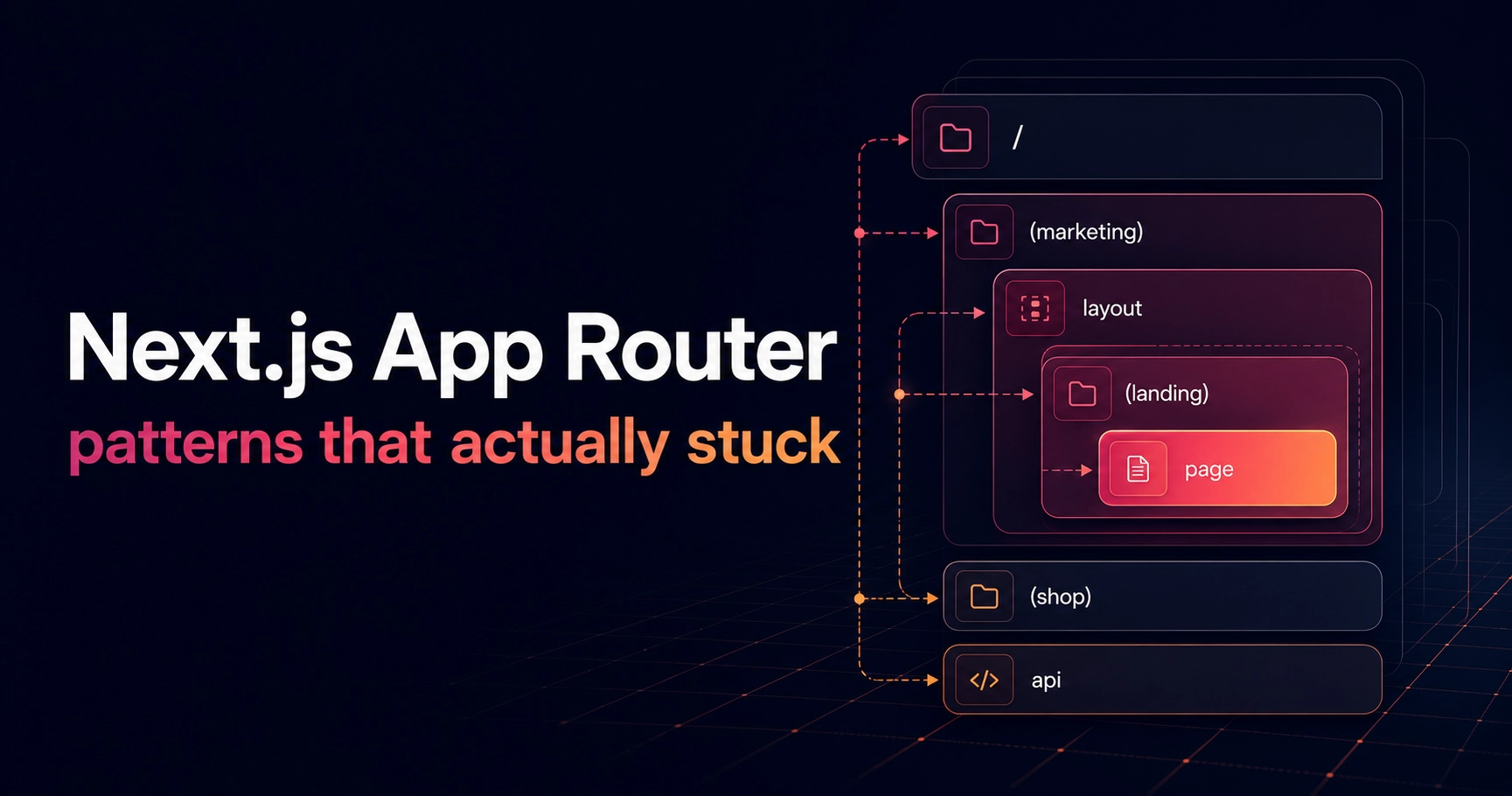
The App Router stopped being new a while ago, but most advice about it still reads like documentation. After shipping several dashboards and marketing sites on it, a handful of patterns have survived every project. This is the short list.
Server-first, client-last
Every page starts life as a server component. Data fetching, metadata and layout all live on the server, and interactivity gets added at the leaves — a button here, an intersection observer there — never at the root. The moment a page starts as a client component, everything below it pays the hydration tax.
// server by default — params are async in Next 16
        export default async function ProjectPage(
          props: PageProps<"/projects/[slug]">,
        ) {
          const { slug } = await props.params;
          const project = getProject(slug);
          if (!project) notFound();
          return <ProjectDetail project={project} />;
        }
Colocate until it hurts
Route folders own their loading, error and metadata files. Content lives in one typed data module, so components never hard-code copy and swapping a headline never means hunting through JSX.
- Pages own their metadata — one pageMetadata() helper keeps OG cards consistent
- Content lives in typed data modules, not scattered through components
- Shared UI moves to components/ only once a second route needs it
The best App Router code looks boring: async functions that fetch, and small islands that interact.
Where client components still win
Cursor effects, scroll reveals, form state — anything that reacts to the user faster than a round-trip deserves the client. The trick is keeping those components thin wrappers, so the content inside them stays server-rendered and indexable.
None of this is clever. That's the point — the App Router rewards boring architecture, and boring ships fast.